

How to use the Rotate View tool
The Rotate View tool turns the canvas on your screen, the way you would turn a sheet of paper to draw. The picture itself is not rotated.
Where to find it
It is in the toolbar, in one slot with Hand. Right-click the slot, or press and hold it, to choose between them. Press R to pick it.
How to use it
- Choose the tool. Press R, or right-click the hand slot and pick Rotate View.
- Drag to turn. Drag around the canvas. Hold Shift to turn in 15 degree steps.
- Work as usual. Switch to the brush or any other tool; the view stays turned.
- Reset. Double-click with the tool, press Esc, or click Reset View.
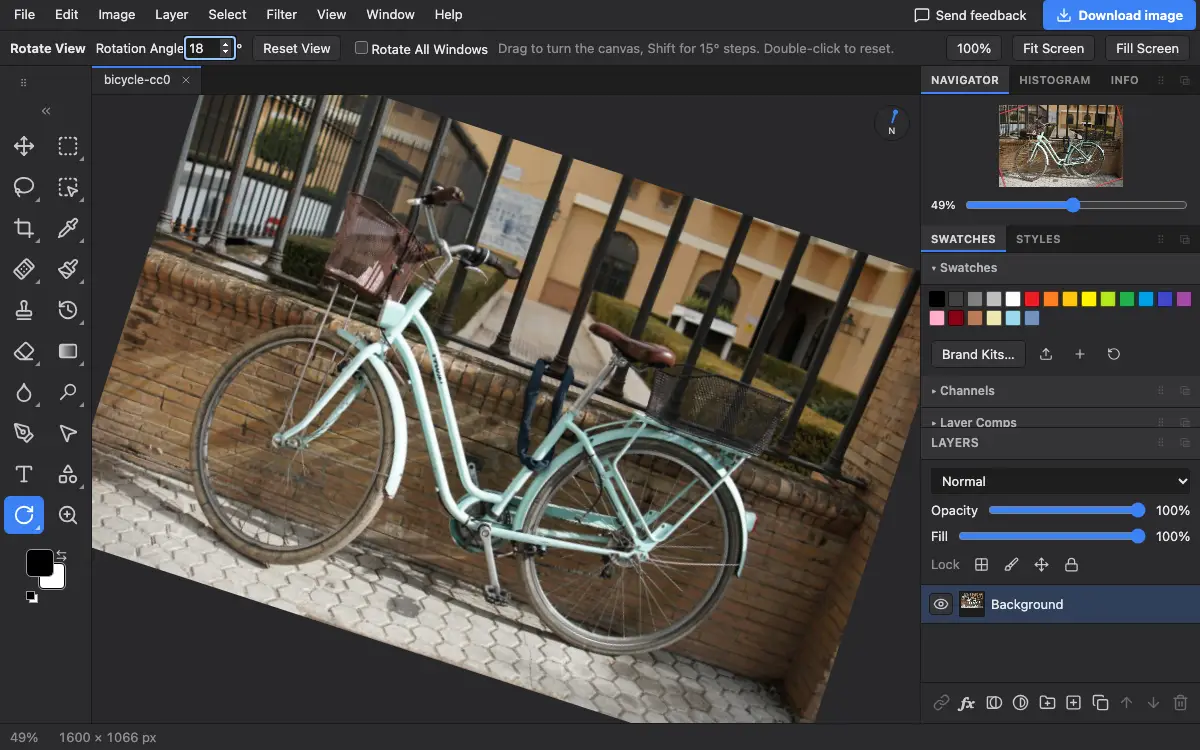
Options bar settings
Tips and common mistakes
- To rotate the picture itself, use Image → Image Rotation or the Crop tool's Straighten.
Related
Photostar is a free online Photoshop alternative that runs in your browser. There is no account to make, and your files stay on your device.
Checked in the current editor.