

How to use the Hand tool
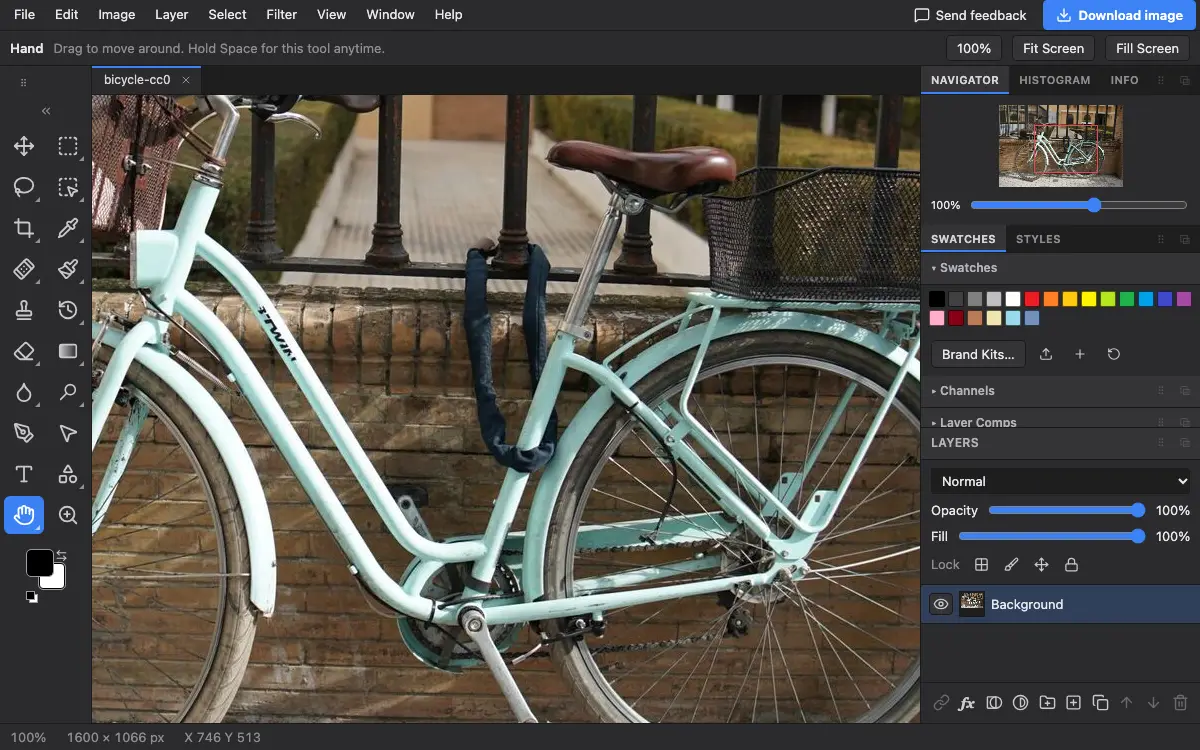
The Hand tool moves your view of the picture around when you are zoomed in. It never changes the picture itself.
Where to find it
It is in the toolbar, in one slot with Rotate View. Right-click the slot, or press and hold it, to choose between them. Press H to pick it.
How to use it
- Choose the tool. Press H, or click the hand in the toolbar.
- Drag the picture. Drag in any direction to see another part.
- Use it from any tool. Hold Space to get the Hand for a moment, then let go to return to the tool you were using.
Options bar settings
Tips and common mistakes
- A scroll wheel or two-finger trackpad swipe also moves the view, and Ctrl (Cmd on a Mac) with the wheel zooms.
- On a phone or tablet, two fingers always move and zoom the view, whatever tool you have.
Related
Photostar is a free online Photoshop alternative that runs in your browser. There is no account to make, and your files stay on your device.
Checked in the current editor.