

Open and convert JPEG XL images
JPEG XL (.jxl) is a newer image format with small files and high quality, but most browsers and many apps still cannot show it. Photostar brings its own JPEG XL decoder, so .jxl files open in Chrome, Edge, Firefox and Safari alike.
Photostar is a free online Photoshop alternative that runs in your browser. There is no account to make, and your files stay on your device.
Open a JXL imageOpens the free editor. Nothing is uploaded.How to do it
- Open the .jxl file. Use the button above or drop the file onto Photostar. The decoder loads only when you open a JPEG XL file.
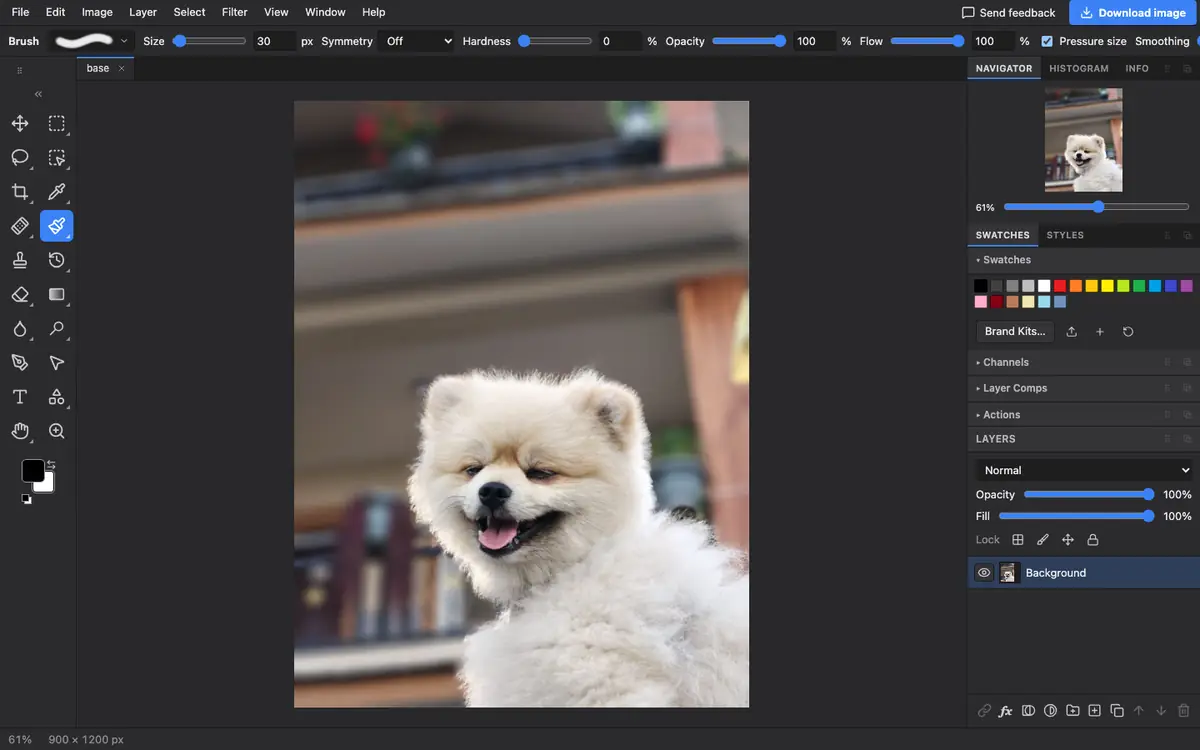
- View or edit it. The image opens as a normal layer, ready to view, crop or adjust.
- Convert it. Choose File → Export As and pick JPEG or PNG for a file anyone can open.
- Or save as JPEG XL. Pick JPEG XL in the same dialog to save your own .jxl files from any image.
What is supported
What works
- Still JPEG XL images in every major browser
- Saving JPEG XL from any image
- Converting JXL to JPG, PNG, WebP, AVIF or TIFF
Limits
- We tested still images; animated JPEG XL files may open as a single frame
- The first JPEG XL file you open takes a moment longer while the decoder loads
- Very large images need plenty of memory
Questions
How do I open a JXL file?
Open it in Photostar in any web browser. Photostar decodes JPEG XL itself, so it works even where the browser has no JPEG XL support.
How do I convert JXL to JPG?
Open the .jxl file in Photostar, choose File → Export As, select JPEG and click Export.
Can I make JPEG XL files?
Yes. Open any image and choose JPEG XL in File → Export As. The dialog shows the file size before you save.
Is JPEG XL better than JPEG?
It usually gives the same quality in a smaller file and supports transparency and higher bit depth, but fewer programs can open it today.
Related
Reviewed , with a real file of this kind in the current editor.