

Open HEIC photos on any computer
iPhones save photos as HEIC. Windows often needs an extra codec to show them, and many Android phones and Chromebooks cannot open them at all. Photostar shows HEIC photos in any modern browser, because it decodes them itself on your device.
Photostar is a free online Photoshop alternative that runs in your browser. There is no account to make, and your files stay on your device.
Open a HEIC photoOpens the free editor. Nothing is uploaded.How to do it
- Open the photo. Click the button above and choose the .heic file, or drag it onto the Photostar start screen.
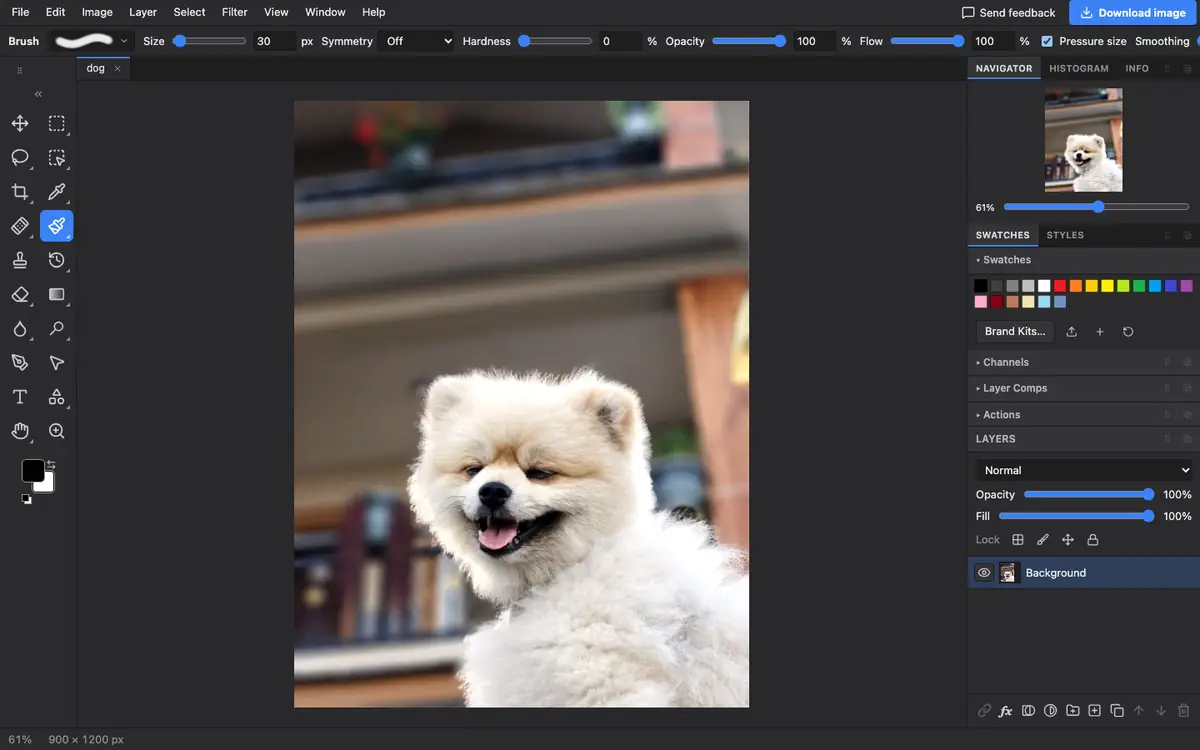
- Look at it. The photo appears at full size. Zoom with Ctrl or Cmd and plus or minus, and drag with the space bar held down.
- Edit if you like. Crop, straighten, brighten or remove the background, as with any photo.
- Save a copy others can open. Choose File → Export As and pick JPEG for photos or PNG for a lossless copy.
What is supported
What works
- HEIC and HEIF photos from iPhones and recent cameras
- Chrome, Edge, Firefox and Safari on Windows, macOS, Linux, ChromeOS and Android
- iPhone photos in Display P3 colour, converted to standard colour with a note
Limits
- A few HEIC variants are not supported; Photostar tells you if a file will not open
- Saving back to HEIC is not possible
- Exports are new files, so camera and location details are not copied over
Questions
How do I open a HEIC file on Windows?
Open it in a browser with Photostar. It shows HEIC photos without the HEIF extension from the Microsoft Store and without uploading them.
Why do my iPhone photos say the colours were converted?
iPhones record photos in a wider colour space called Display P3. Photostar edits in standard sRGB, so it converts the colours when the photo opens and tells you it did.
Can I open many HEIC photos at once?
Yes. Select several files in the Open dialog and each opens in its own tab. To convert a whole folder, use File → Automate → Batch.
Is a HEIC viewer online safe for private photos?
With Photostar it is, because the photo is decoded in your browser and never sent to a server.
Related
Reviewed , with a real file of this kind in the current editor.