

Convert WebP to PNG or JPG
Images saved from websites are often WebP, which some desktop programs, older phones and upload forms will not accept. Photostar opens the WebP in your browser and saves it as a PNG or JPG.
Photostar is a free online Photoshop alternative that runs in your browser. There is no account to make, and your files stay on your device.
Open a WebP imageOpens the free editor. Nothing is uploaded.How to do it
- Open the WebP. Click the button above, or drag the .webp file onto Photostar.
- Pick a format. Choose File → Export As. Pick PNG to keep any transparent background, or JPEG for a smaller photo file.
- Export. Leave the size as it is, or type a new width. Click Export and the file downloads.
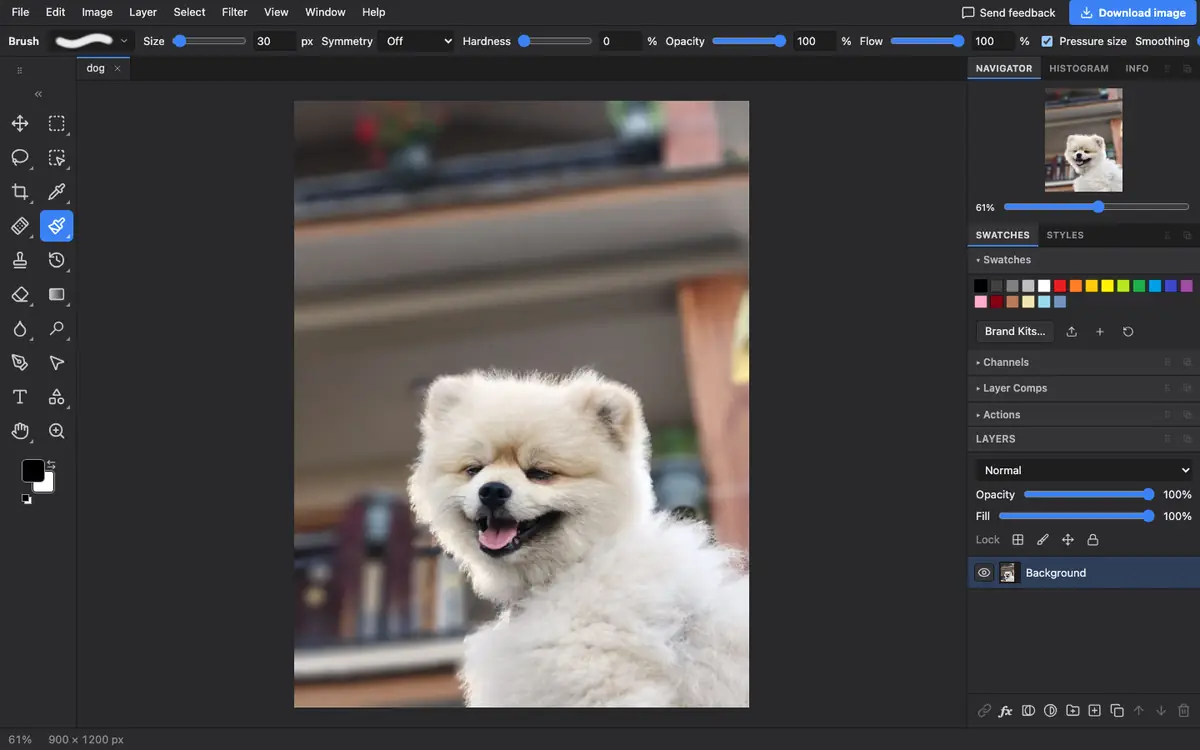
What is supported
What works
- Lossy and lossless WebP files
- Transparent WebP images, kept in PNG
- Saving WebP from PNG or JPEG too
Limits
- Animated WebP files open as a still picture
- PNG files of photos are much larger than the WebP; use JPEG for a smaller photo
Questions
How do I save a WebP as PNG?
Open it in Photostar, choose File → Export As, pick PNG and click Export.
Does converting WebP to PNG keep transparency?
Yes. PNG keeps transparent areas exactly. JPEG does not, and fills them with white.
Why is the PNG so much bigger?
PNG is lossless and does not shrink photos well. If the picture is a photo, JPEG gives a far smaller file.
Can I convert PNG to WebP?
Yes. Open the PNG and choose WebP in File → Export As, then set the quality.
Related
Reviewed , with a real file of this kind in the current editor.