

Open a PSB file online
PSB is the large document format that Photoshop uses once a file passes 2 GB or 30,000 pixels on a side. Photostar reads PSB files in your browser with their layers, so you can check what is inside without the program that made it.
Photostar is a free online Photoshop alternative that runs in your browser. There is no account to make, and your files stay on your device.
Open a PSB fileOpens the free editor. Nothing is uploaded.How to do it
- Open the PSB. Click the button above, or open Photostar and drop the .psb file onto the start screen. It is read on your computer.
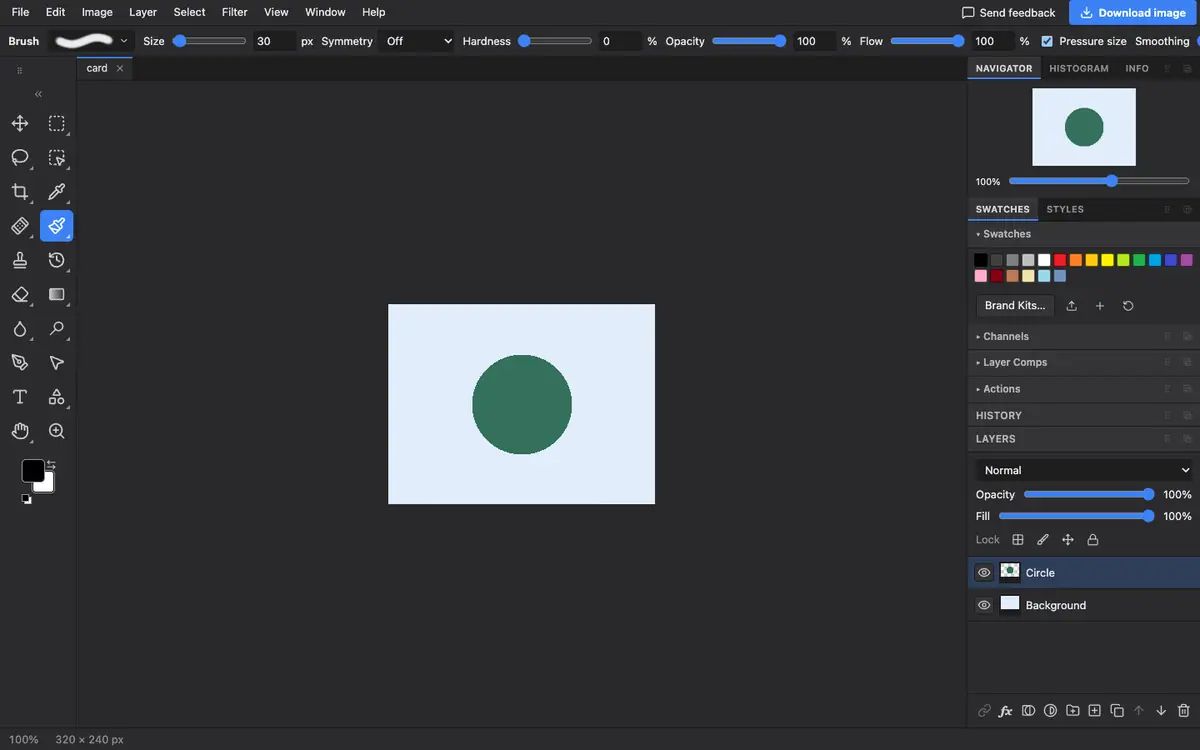
- Wait for the layers. A big PSB takes a moment. When it is ready, the Layers panel lists each layer and group from the file.
- Look around. Hide and show layers with the eye icons. Hold the space bar and drag to move, and press Ctrl or Cmd with plus or minus to zoom.
- Save what you need. Choose File → Export As for a flat PNG or JPEG of the visible layers, or File → Save as PSD to keep the layers.
What is supported
What works
- Pixel layers, groups, masks and supported text and shape layers, as with PSD files
- Viewing, editing and exporting PNG, JPEG, WebP, TIFF and more
- Saving the layered result as a PSD
Limits
- Photostar does not save PSB. A PSD holds up to 30,000 pixels per side, so crop or resize a bigger document before saving it layered
- The whole file has to fit in your browser’s memory. Files of several gigabytes may fail on a laptop or phone
- Complex layer features can look different from the original; check the result before sending it on
Questions
What is a PSB file?
A PSB is a Photoshop Large Document. It works like a PSD but allows bigger files, up to 300,000 pixels on a side, so it is common for posters, panoramas and print work.
Can I open a PSB file without Photoshop?
Yes. Photostar opens PSB files in a web browser for free, with their layers, and nothing is uploaded.
Can I convert a PSB to PSD?
Yes, if the image is no wider or taller than 30,000 pixels. Open the PSB and choose File → Save as PSD. For a bigger image, resize it first with Image → Image Size.
Why does my PSB fail to open?
Usually because it is too big for the memory a browser tab can use. Try a computer with more memory, or ask for a flattened PNG or a smaller PSD.
Related
Reviewed , with a real file of this kind in the current editor.