

Open Affinity files in your browser
Photostar opens files from Affinity Photo, Designer and Publisher, including the newer .af format. Simple documents come in with separate layers. Many others open as the flat preview stored inside the file, which is fine for seeing it and saving a picture.
Photostar is a free online Photoshop alternative that runs in your browser. There is no account to make, and your files stay on your device.
Open an Affinity fileOpens the free editor. Nothing is uploaded.How to do it
- Open the file. Use the button above or drop the .af, .afphoto, .afdesign or .afpub file onto Photostar.
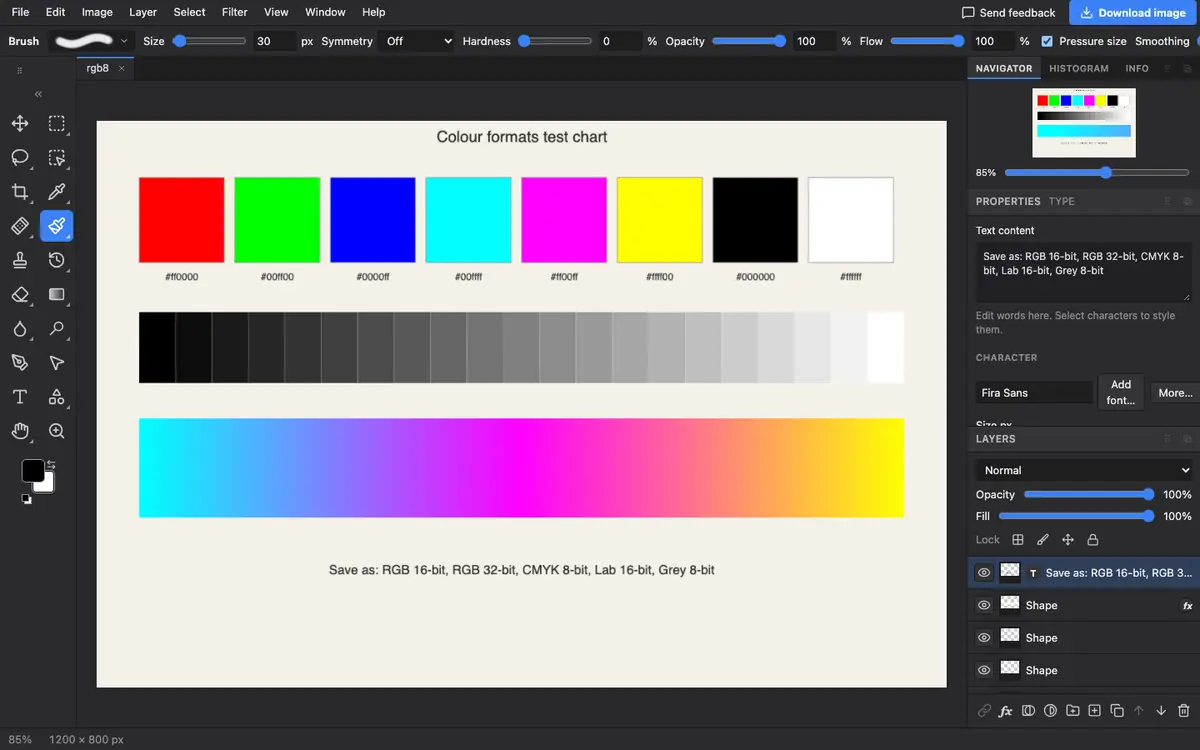
- See how it opened. If the Layers panel shows separate layers, they are editable. If it shows a single layer called Affinity preview, the file opened as a flat picture.
- Read the message. When Photostar falls back to the preview, it says why, so you know what was not read.
- Export a picture. Choose File → Export As and pick PNG or JPEG. To keep layers for another editor, use File → Save as PSD.
What is supported
What works
- Pixel layers and groups from simpler documents
- A complete flat preview of almost any Affinity file
- Export to PNG, JPEG, WebP or a layered PSD
Limits
- Many files, such as ones with gradients, effects or complex vector art, open only as the flat preview
- Photostar cannot save back to Affinity formats
- The preview is only as large as Affinity stored it, which can be smaller than the document
Questions
Can I open an Affinity Photo file without Affinity?
Yes. Photostar opens .afphoto and .af files in your browser for free. Simple files keep their layers and others open as a flat preview.
Why did my file open as one flat layer?
Photostar could not read part of the artwork, so it used the full preview picture that Affinity saves inside the file. The message shown on opening says what was skipped.
How do I convert an Affinity file to PSD?
Open it in Photostar and choose File → Save as PSD. Layers come across when the file opened with layers; otherwise the PSD holds the flat preview.
Is the file uploaded?
No. Affinity files are read in your browser on your own device.
Related
Reviewed , with a real file of this kind in the current editor.