

How to open and edit a PSD online
A PSD can hold separate pictures, text, masks and effects. Photostar works as a free PSD viewer and editor: open the file to inspect and edit supported layers in your browser, without uploading it.
Photostar is a free online Photoshop alternative that runs in your browser. There is no account to make, and your photos stay on your device.
Start with a copy
Keep the original PSD somewhere safe. Open Photostar, choose Open from computer, and select the file. You can also drop it onto the editor. Its contents stay on your device.
Find the layer you want to change
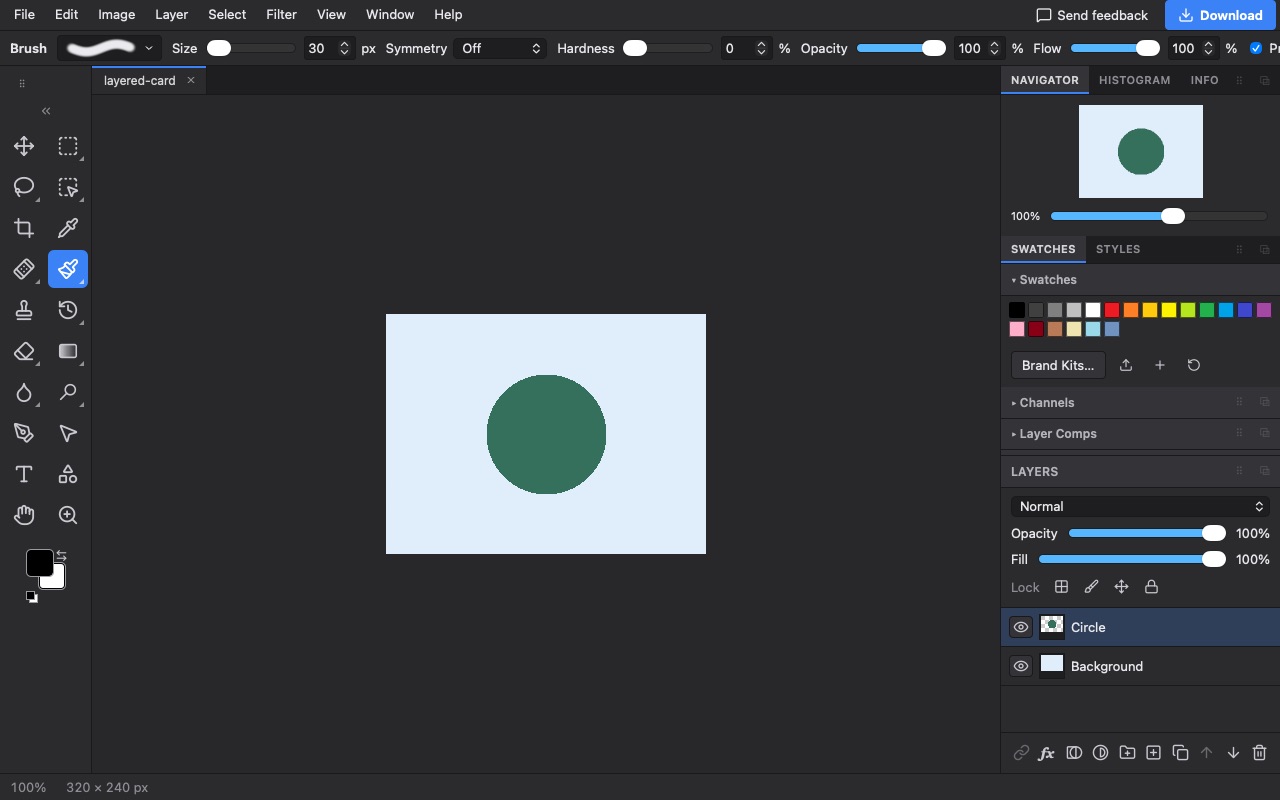
Use the eye beside a layer to show or hide it. Select the layer before editing. Click its image thumbnail to change the picture, or its mask thumbnail to change which parts show.
Save an editable project before exporting
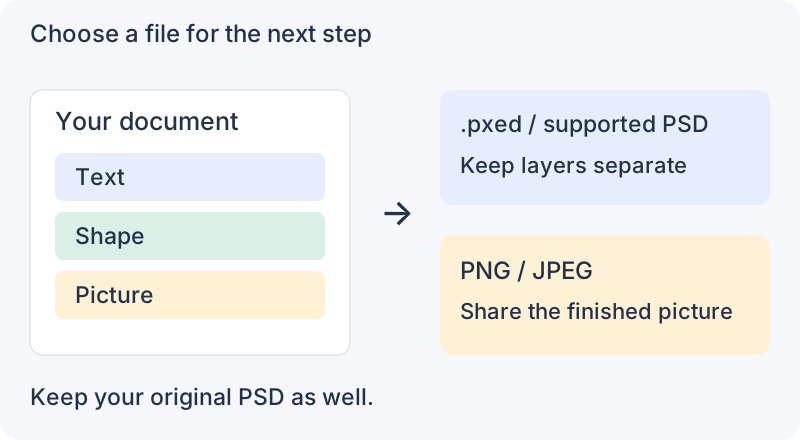
Choose File → Save to download a .pxed project. This keeps the document data Photostar uses for further editing. Choose File → Save as PSD when you need a layered PSD, or File → Export As for a finished PNG or JPEG.
What stays editable in a PSD?
Supported text and shape layers export as editable PSD layers, alongside supported picture layers, groups, masks and adjustments. Some unsupported features or applied edits become pixels. A layered file does not mean every part stays editable.
Will it look exactly like the Photoshop file?
Not always. Fonts, complex masks, effects and colours can differ. Photostar supports 8-bit and 16-bit editing and layered PSD export. Compare the saved result with your original before sending it to a client or printer.
Can I edit a PSD without paying for Photoshop online?
Yes. The current tools are free, with no account required. Photostar is independent of Adobe.
Content reviewed .