

Convert a DNG photo to JPG
DNG is the open raw format used by many cameras, phone camera apps and raw converters. Photostar develops DNG files in the browser so you can turn them into JPGs without installing anything.
Photostar is a free online Photoshop alternative that runs in your browser. There is no account to make, and your files stay on your device.
Open a DNG photoOpens the free editor. Nothing is uploaded.How to do it
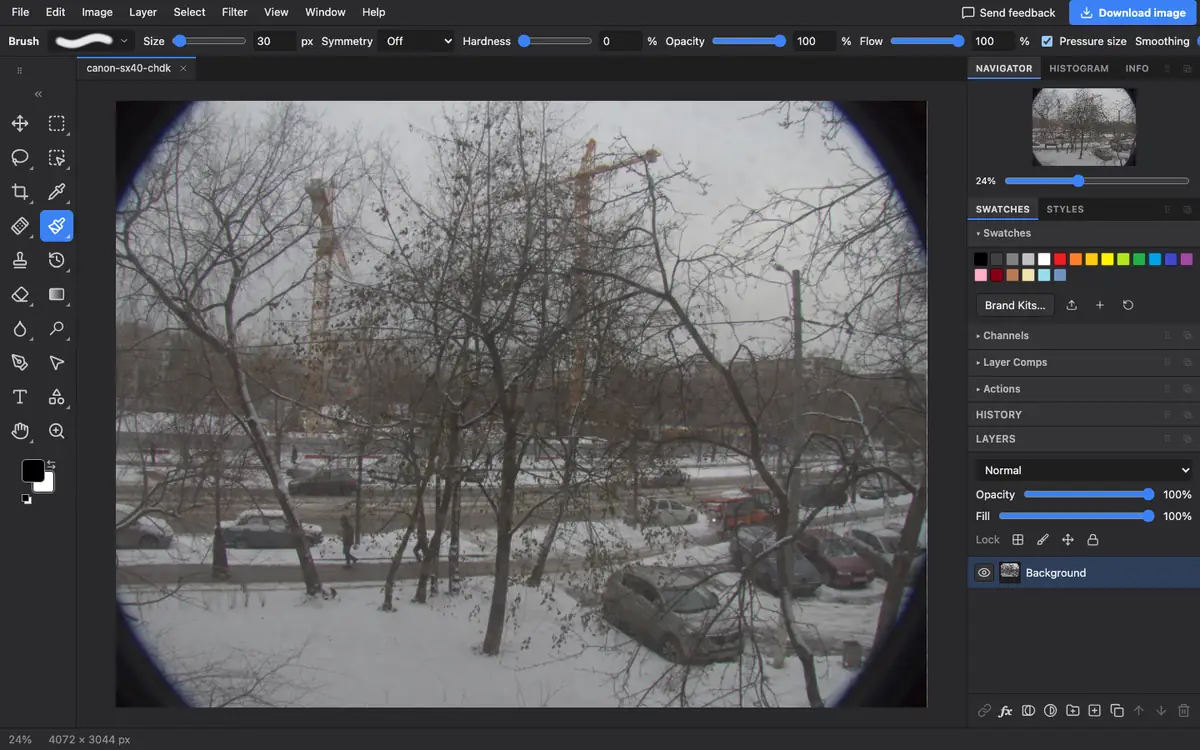
- Open the DNG. Use the button above, or drop the .dng file onto Photostar.
- Fix the look. Raw photos can look flat. Use Filter → Camera Raw Filter, or Image → Auto Tone for a quick fix.
- Save as JPG. Choose File → Export As, pick JPEG and click Export.
What is supported
What works
- DNG files from cameras and raw converters
- Full resolution
- Saving JPEG, PNG or 16-bit TIFF
Limits
- DNG files vary a lot between makers; some may not open, and Photostar says so
- Lens corrections stored in some DNGs may not be applied
- Photostar cannot save DNG
Questions
How do I open a DNG file?
Open it in Photostar in your web browser. It develops the raw data on your device and shows the photo.
How do I convert DNG to JPG without Lightroom?
Open the DNG in Photostar, choose File → Export As, pick JPEG and click Export. It is free.
Why does my DNG look darker or flatter than on my phone?
Phones apply their own processing when they show a photo. A raw file starts neutral, so use Auto Tone or the Camera Raw Filter to bring it to life.
Related
Reviewed , with a real file of this kind in the current editor.