

Open DDS texture files online
DDS files hold textures for games and mods. Photostar opens the common kinds in your browser so you can look at a texture, edit it, or save it as a PNG.
Photostar is a free online Photoshop alternative that runs in your browser. There is no account to make, and your files stay on your device.
Open a DDS fileOpens the free editor. Nothing is uploaded.How to do it
- Open the DDS. Use the button above, or drop the .dds file onto Photostar.
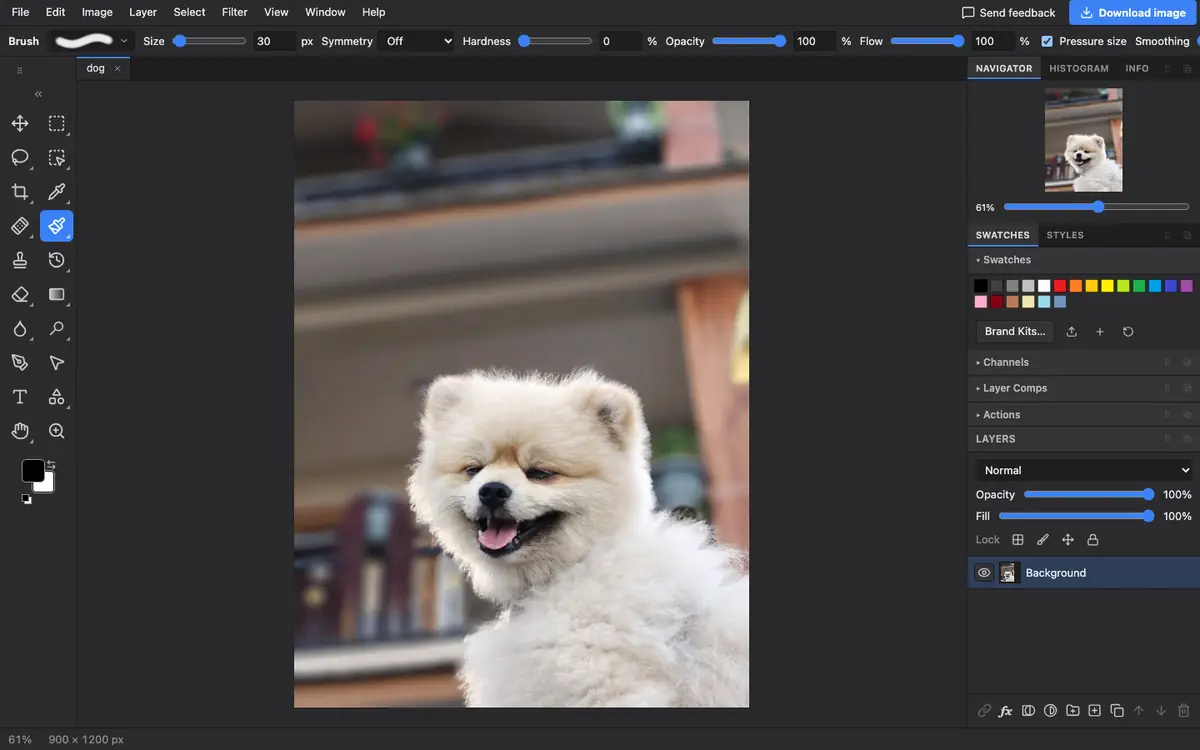
- See the texture. The full-size texture opens as a layer, with transparency if it has an alpha channel.
- Export a PNG. Choose File → Export As and pick PNG. To save a texture back, pick DDS in the same list.
What is supported
What works
- DXT1, DXT3 and DXT5 (BC1 to BC3), including the DX10 header
- Uncompressed 24-bit and 32-bit RGB and RGBA
- Saving PNG, TGA and DDS
Limits
- BC4, BC5, BC6H and BC7 compressed textures are refused, and many newer games use BC7
- Floating-point textures, cube maps and volume textures are refused
- Only the largest mip level opens
Questions
How do I open a DDS file without a plugin?
Open it in Photostar in your browser. It reads DXT1, DXT3, DXT5 and uncompressed DDS textures without any plugin.
How do I convert DDS to PNG?
Open the DDS in Photostar, choose File → Export As, pick PNG and click Export.
Why will my DDS not open?
It probably uses BC7 or another newer compression, or it is a cube map. Photostar tells you which when it refuses the file.
Related
Reviewed , with a real file of this kind in the current editor.