

How to use the Pencil tool
The Pencil tool draws with a hard edge and no soft fade. It suits pixel art, sharp outlines and masks that need a crisp edge.
Where to find it
It is in the toolbar, in one slot with Brush and Mixer Brush. Right-click the slot, or press and hold it, to choose between them. Press Shift+B until it is selected (B on its own picks Brush).
How to use it
- Choose the tool. Press Shift+B until it is selected, or right-click the brush slot and pick Pencil.
- Set the size. Use Size. For pixel art, zoom in a lot and use 1 pixel.
- Draw. Drag on the canvas, or Shift-click to join a straight line to the end of the last stroke.
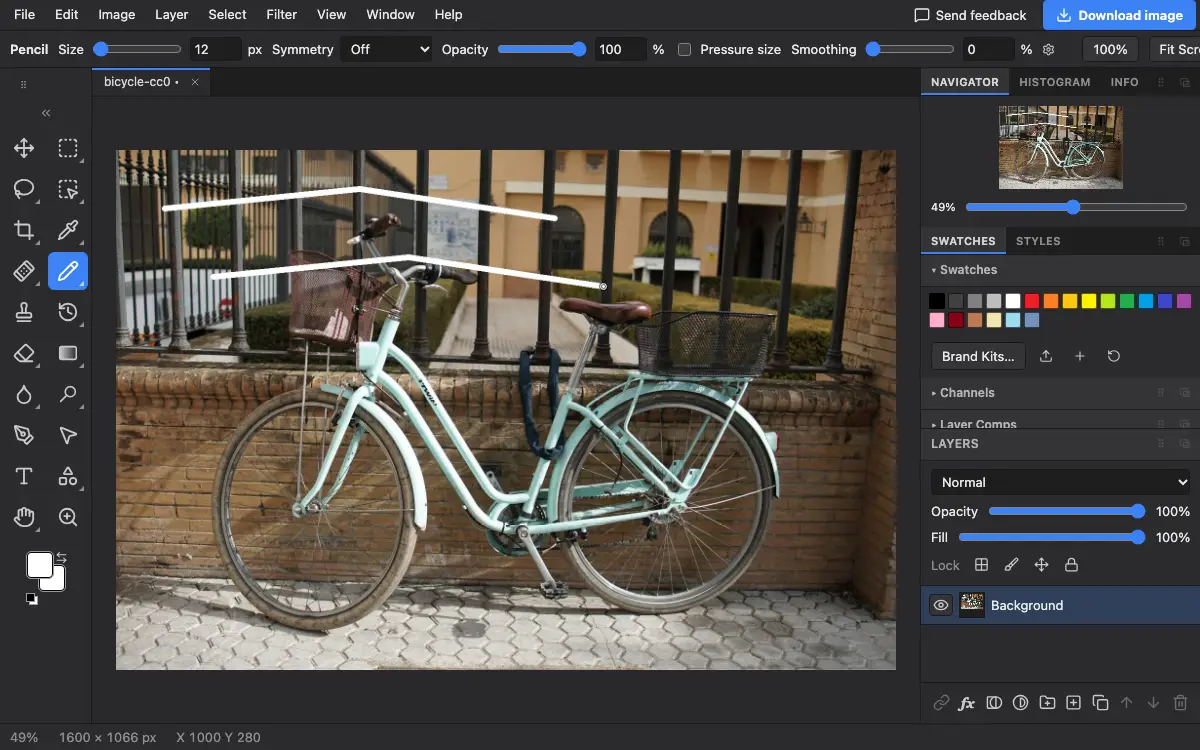
Options bar settings
Tips and common mistakes
- The Pencil has no Hardness or Flow: its edge is always hard.
- Turn Smoothing down to 0 for pixel art so every click lands where you expect.
Related
Photostar is a free online Photoshop alternative that runs in your browser. There is no account to make, and your files stay on your device.
Checked in the current editor.